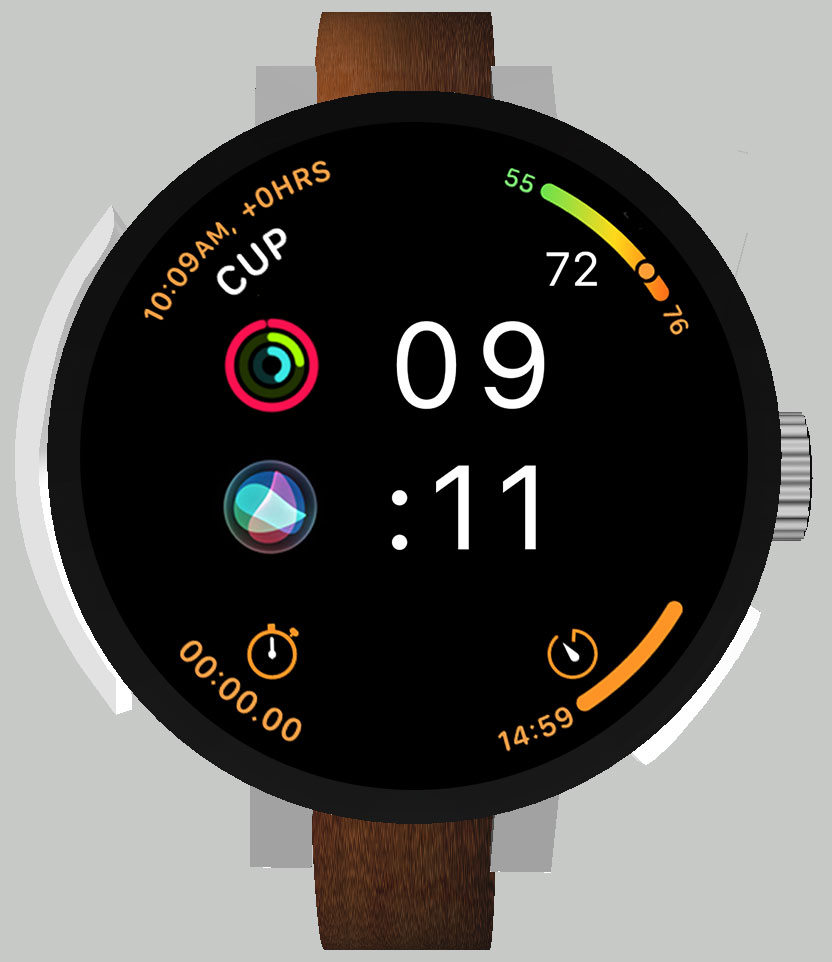

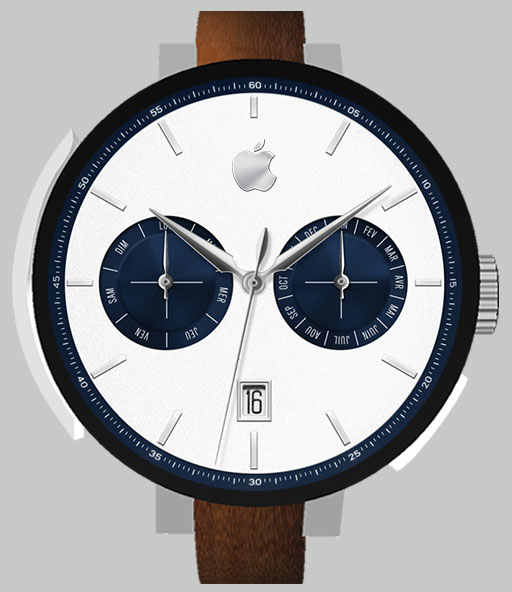
A design that serves usability
When technology meets classic
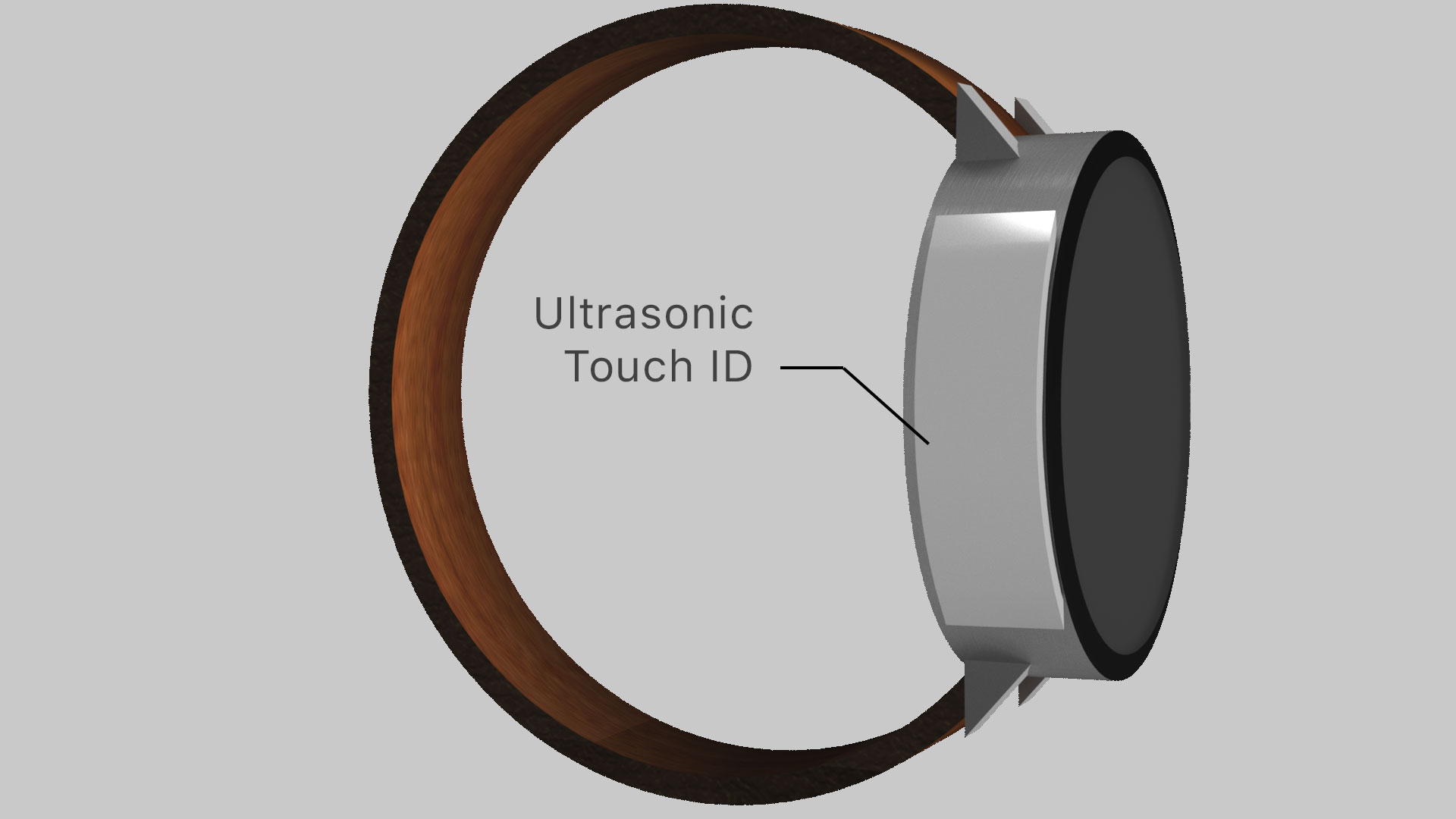
Just touch the rotating crown
Mail notification
The notification screen takes full advantage of the watch round shape. Controls appear on each side. The left side indicates what happen when you rotate the crown up or down. The right side indicates that pushing the Digital Crown
will bring up the home screen (icon of the home button from the first iPhone). It also indicates that pushing the right button will bring up the dock. The top side shows the name of the current app.
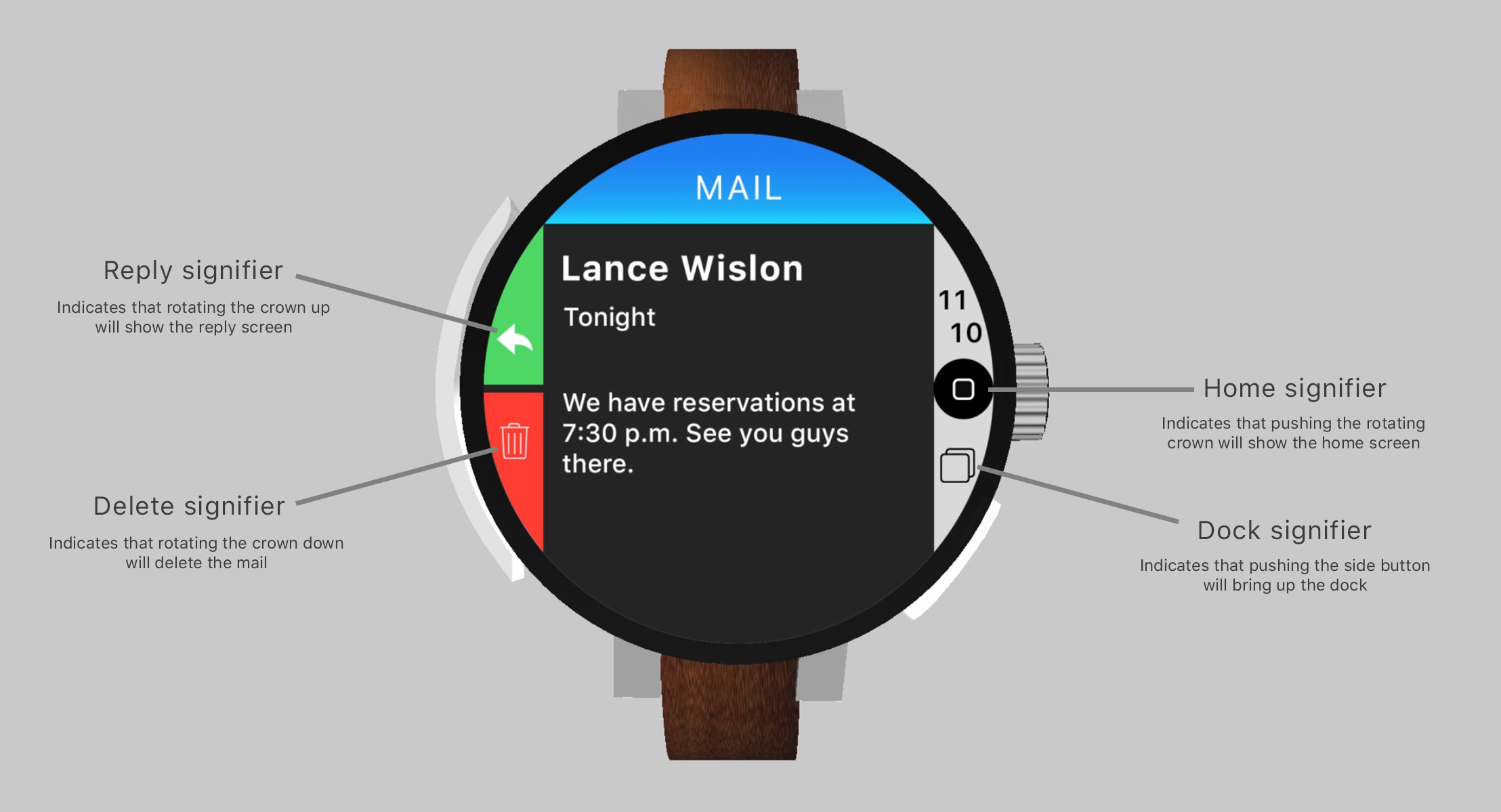
The rotating crown gives more affordance. The symbols on the screen are signifiers, they help the user knowing what the rotating crown does.

Calculator
Draw the numbers on the screen, and push the rotating crown to get the result. Scroll to have more options. You can write literal expression like 59 - 20% and directly get the result.
A specific UI that takes the whole screen
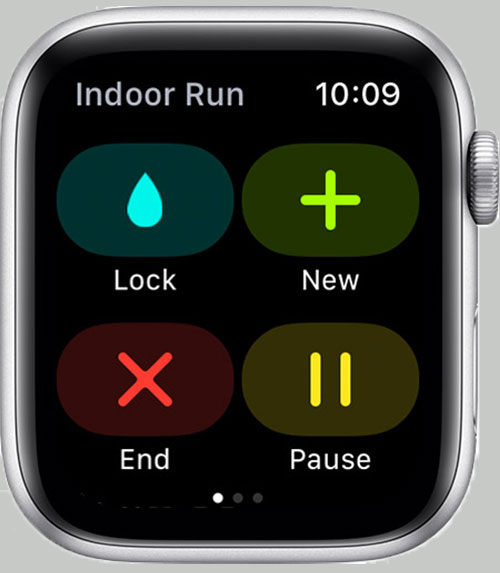
Current UI

Circle UI
Two screens in one watch
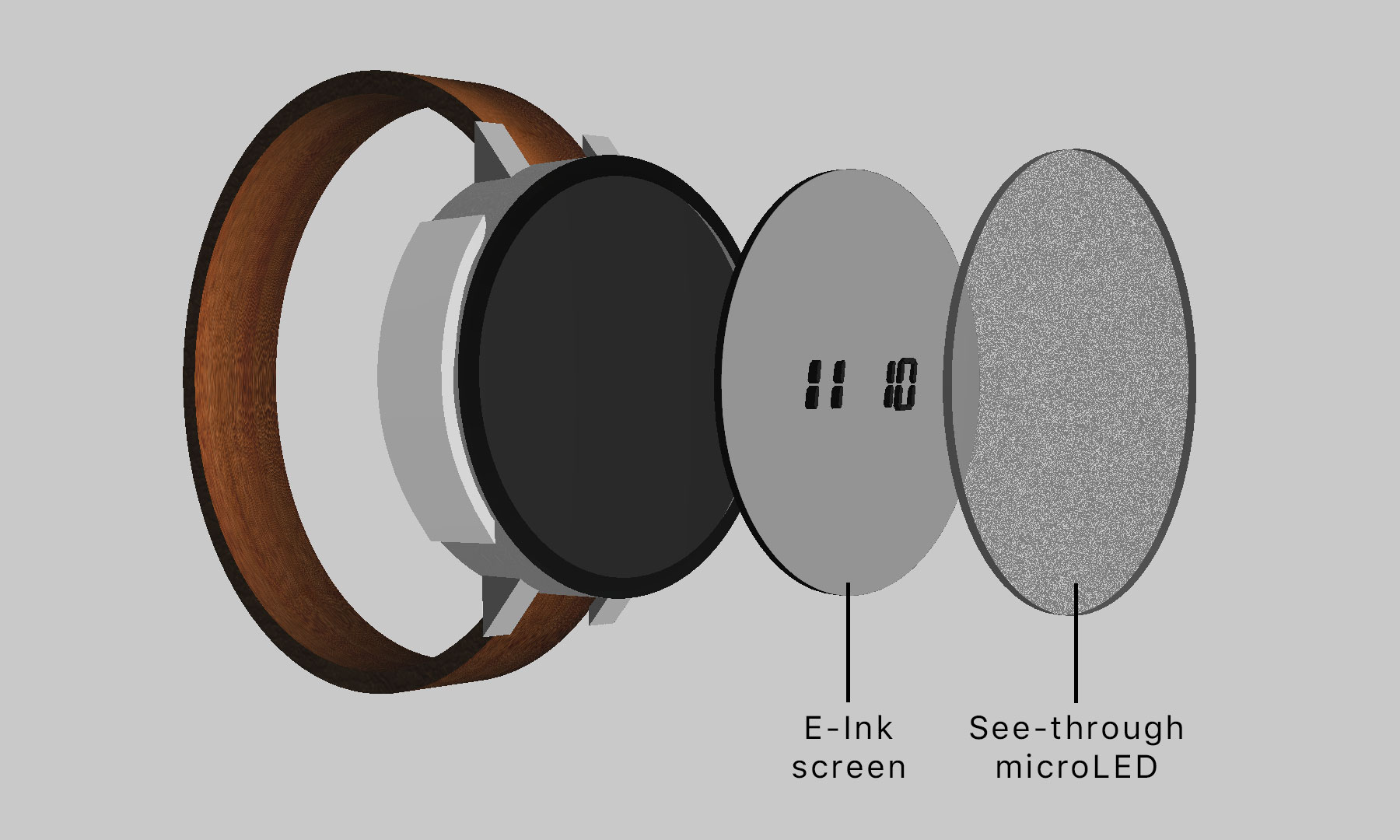
Thanks to E-paper technology (E-ink, Rdot, reflective LCD…), the watch has an always-on display that consume almost no energy. When the watch is below 10%, it goes into save mode and disable all features but the E-paper screen. Allowing up
to 24 hours of autonomy.
Apple Music on the Apple Watch
MORE TO COME
U1 Chip
Point the watch to what you want to control (apple TV, light, shades...) and push the rotating crown to control it.
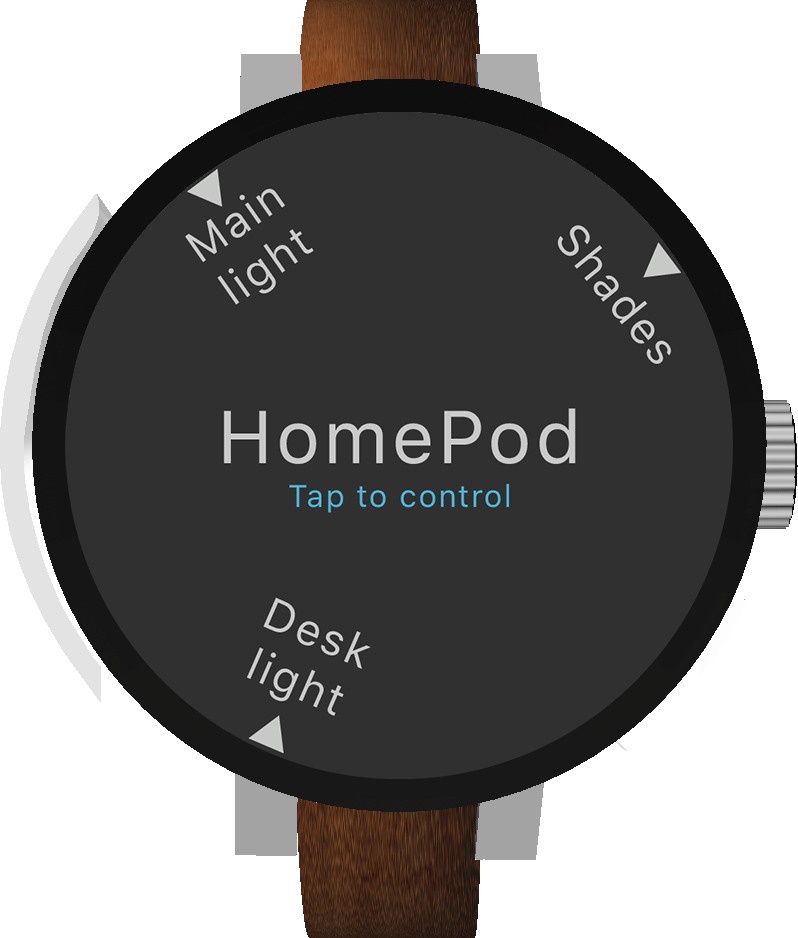
AR Controler
Use the watch to control an AR environment.
Hi, I'm Anthony
I'm looking to join Apple and change the world
Check my other ideas
apple.anthonyloroscio.frContact me
[email protected]